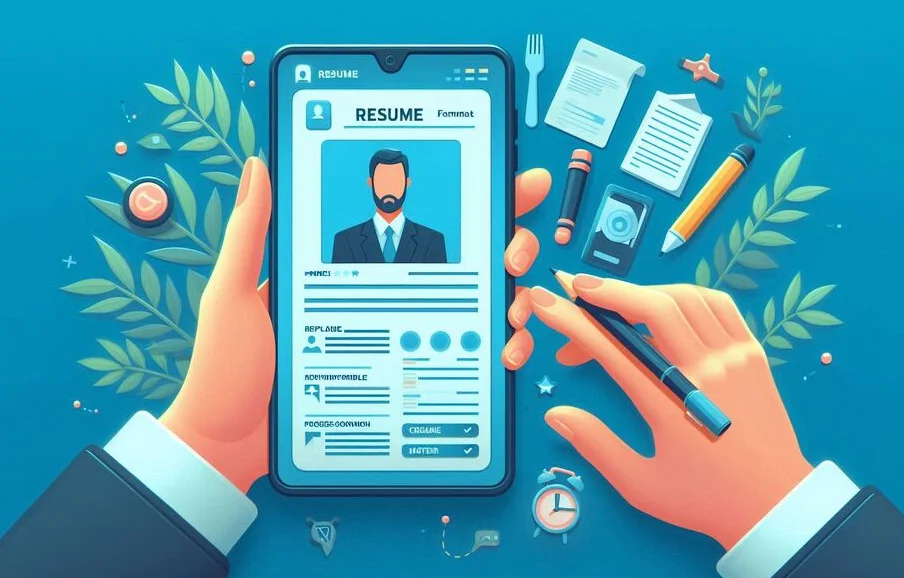
In a world where most communication, browsing, and even job applications happen on mobile devices, having a resume that displays correctly and clearly on a smartphone or tablet is no longer optional. As we move through 2025, the job market is more competitive than ever, and first impressions are increasingly made through digital screens. If your resume isn’t mobile-friendly, it could be overlooked or misinterpreted-even before a recruiter gets to read your accomplishments. This guide breaks down why mobile formatting matters and how to ensure your resume meets modern standards.
Why Mobile-Friendly Resume Formatting Is Crucial in 2025
The Rise of Mobile-First Job Hunting
More job seekers are now using mobile devices to search for and apply to jobs than ever before. Platforms like LinkedIn, Indeed, and company career portals are optimized for mobile. As such, resumes are often uploaded, viewed, and assessed directly from a phone screen. If your resume relies on wide columns or dense formatting, it may not display properly and may be quickly dismissed.
Recruiters Are Viewing Resumes on Mobile Devices
Recruiters don’t always sit behind a desk to review applications. With mobile recruiting tools and apps, many recruiters scan resumes while traveling, in meetings, or at events. A resume that isn't optimized for mobile makes their job harder, and that can work against you. Clean, responsive formatting increases your chances of being shortlisted.
ATS vs. Mobile View: Striking the Balance
Applicant Tracking Systems (ATS) are designed to parse structured resume data-but these systems aren’t always mobile-friendly. It’s essential to use a resume format that balances readability for both ATS and human viewers. Avoid overly stylized designs or resumes created purely as images or graphics. Use real text, clean formatting, and standardized section headers.
First Impressions Count on Small Screens
Your resume is often your first introduction to an employer. On mobile, that first impression has to be fast and clean. A resume that requires zooming, scrolling sideways, or deciphering small fonts creates friction and sends the message that you haven't adapted to digital expectations. A mobile-optimized resume delivers clarity and professionalism instantly.
How to Make Your Resume Mobile-Friendly
Keep the Layout Simple and Clean
Complex layouts with multiple columns or design-heavy elements may look great on desktop but collapse awkwardly on mobile. Stick to a single-column layout, and avoid text boxes, tables, and sidebars. Simplicity helps maintain structure across devices and platforms.
Use Mobile Readability Principles
Short paragraphs, bullet points, and clear headers improve scanning on mobile screens. Break content into digestible chunks and use white space strategically. Recruiters typically spend just 6–8 seconds on a first read-through, so the easier your resume is to skim, the better.
Adjust Font Size and Line Spacing
Choose legible fonts like Arial, Calibri, or Helvetica. Use a minimum of 11 pt for body text and at least 14–16 pt for section headings. Maintain consistent spacing-1.15 to 1.5 line spacing is ideal. These small tweaks dramatically improve readability on mobile devices.
Avoid Heavy Graphics and Multi-Column Layouts
Graphics can make your resume look appealing on a desktop but may clutter or even break on a mobile screen. Infographics, icons, and images can be useful but should be used sparingly. Always ensure your resume is fully readable even if images don’t load.
Test Your Resume on Multiple Devices
Before submitting your resume, open it on different devices-smartphones, tablets, and laptops. Check how it renders, whether any text overlaps, if the layout holds up, and if it’s readable without zooming. Send it to a friend to review on their device, too.
File Format Tips for Mobile Optimization
Use PDF as your primary file format, but ensure it’s created from a true text-based document, not a scanned image. Avoid large file sizes or embedded fonts that might not render on certain apps. DOCX files are okay for ATS but may display differently across devices-PDF is usually safer for human eyes.
Best Resume Formats for Mobile Viewing in 2025
Single Column Format
Single-column resumes flow naturally on mobile screens. They avoid left-right scrolling and work better with ATS. Align all text to the left, and use bold headings to organize sections. Avoid right-aligned text, which can be hard to follow on narrow screens.
PDF vs DOCX: Which Is Better?
PDFs preserve formatting across devices and operating systems, making them ideal for mobile readability. DOCX files are more flexible for editing and sometimes preferred by ATS, but they can render inconsistently. A good rule: use DOCX when submitting to large corporate job portals and PDF when emailing directly or uploading to a portfolio.
Consider Creating a Web-Based Resume
Another smart option is building a web-based resume or portfolio. These are inherently responsive and accessible on all screen sizes. Platforms like Notion, Webflow, and even GitHub Pages allow you to create sleek, responsive resume pages with interactive elements and embedded links. Just ensure you provide a downloadable version as well.
Conclusion
In 2025, having a mobile-friendly resume format is no longer optional-it's expected. With recruiters reviewing applications on phones and job seekers applying via apps, your resume must look polished and professional across all devices. By simplifying your layout, optimizing readability, and testing across platforms, you’ll ensure your resume stands out for the right reasons-no matter where or how it’s viewed.