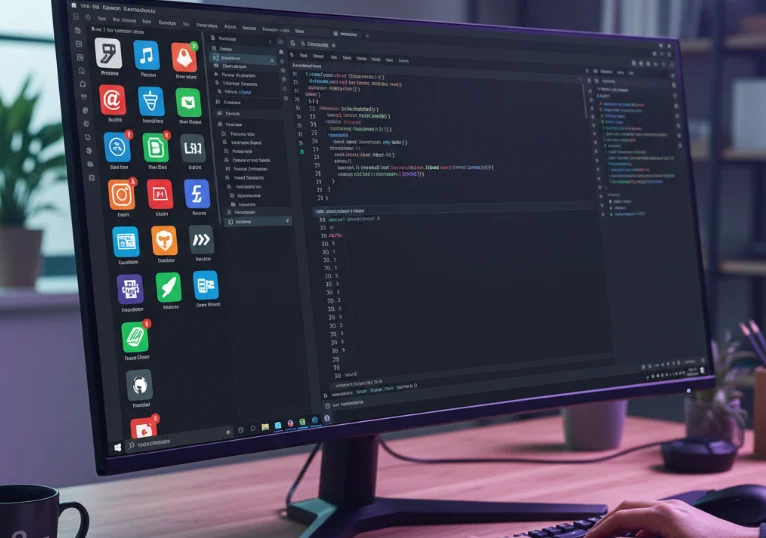
Visual Studio Code (VS Code) has become one of the most popular code editors among developers, thanks to its lightweight interface, robust performance, and rich extension ecosystem. Extensions are plugins that add features, automate repetitive tasks, and improve productivity. As someone who codes daily, I’ve found a set of VS Code extensions that consistently make my workflow faster, cleaner, and more enjoyable.
Code Productivity Extensions
Prettier
Prettier is a code formatter that ensures consistent code style across projects. It automatically formats code on save according to rules you define, reducing style debates and making pull requests cleaner.
- Supports multiple languages like JavaScript, TypeScript, HTML, CSS, and JSON.
- Automatically fixes indentation, semicolons, quotes, and spacing.
- Integrates well with ESLint for linting and formatting together.
Bracket Pair Colorizer
This extension colors matching brackets, making it easier to identify nested blocks, especially in complex JSX or nested functions.
- Customizable colors for different levels of nesting.
- Reduces the time spent counting brackets or looking for matching pairs.
Path Intellisense
Path Intellisense provides autocompletion for file paths in import statements, reducing errors and speeding up navigation.
- Supports relative and absolute paths.
- Works with JavaScript, TypeScript, and other web development file types.
Debugging and Testing Extensions
Live Server
Live Server creates a local development server with live reload capability. Changes in code immediately reflect in the browser, making frontend development faster and more interactive.
- Automatically refreshes HTML, CSS, and JS changes.
- Supports custom browser launch and port configuration.
Jest
Jest integration allows you to run tests directly from VS Code and see results in the editor. It’s particularly useful for JavaScript and TypeScript developers writing unit and integration tests.
- Run individual tests or entire suites.
- Visualizes test results and errors clearly.
- Integrates with code coverage tools to ensure robust testing.
Code Runner
Code Runner allows you to execute snippets or entire files in multiple languages directly from VS Code without switching to a terminal.
- Supports languages like Python, JavaScript, Java, C++, and more.
- Quick testing of algorithms or small scripts without creating full projects.
Git and Version Control Extensions
GitLens
GitLens supercharges the built-in Git capabilities of VS Code by providing insights into code authorship, commit history, and file evolution.
- Shows blame annotations for every line of code.
- Visualizes repository history and branch activity.
- Makes understanding code changes and collaboration easier.
GitHub Copilot
GitHub Copilot is an AI-powered code completion tool that suggests code snippets, functions, and even entire modules as you type.
- Speeds up repetitive coding tasks and boilerplate code generation.
- Supports multiple languages and frameworks.
- Assists learning new APIs by suggesting usage examples.
UI and Theme Extensions
Material Icon Theme
Material Icon Theme adds visually appealing icons to files and folders, making project navigation intuitive and less cluttered.
- Identifies file types at a glance with distinct icons.
- Customizable icons to match your preferences.
One Dark Pro
One Dark Pro is a popular VS Code theme inspired by the Atom editor, providing a sleek dark UI that is easy on the eyes during long coding sessions.
- Consistent color scheme that improves readability.
- Reduces eye strain during night coding sessions.
Final Thoughts
VS Code’s extension ecosystem allows developers to tailor the editor to their workflow. Productivity, debugging, Git integration, and visual enhancements make coding faster, cleaner, and more enjoyable. By combining a few essential extensions like Prettier, Live Server, GitLens, and GitHub Copilot with personalized themes and productivity tools, developers can create an environment that maximizes efficiency and keeps them focused on what matters most: building quality software.