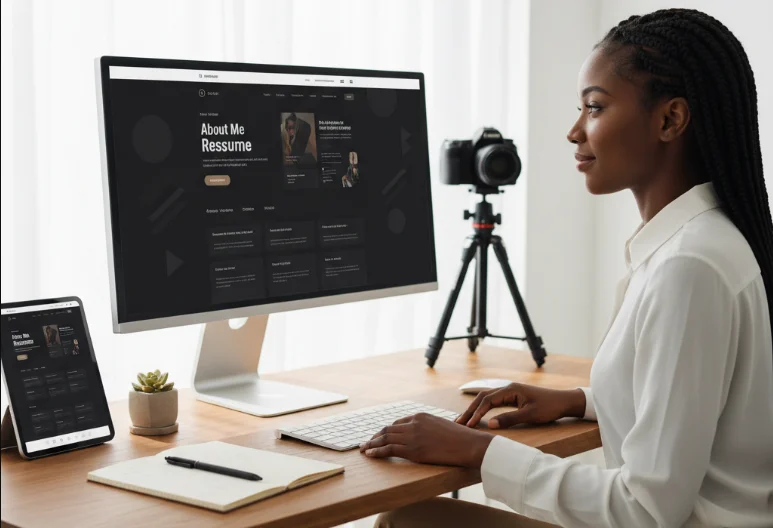
A modern resume website is more than just an online version of your CV. It is a personal brand hub that showcases your skills, projects, and personality in a way a traditional document cannot. For developers and designers, it often becomes the first impression for recruiters, clients, and collaborators.
In this guide, I’ll walk through how I approach building a clean, modern, and effective resume website that stands out while staying simple and professional.
Why a Resume Website Matters
A resume website gives you control over how you present yourself online.
- It acts as a living portfolio that can be updated anytime.
- It helps you stand out compared to static PDF resumes.
- It demonstrates practical web development skills to employers.
- It improves your visibility in search engines and professional networks.
Planning Your Website
Before writing any code, planning the structure is essential.
- Define your target audience, such as recruiters or freelance clients.
- Decide what message you want your website to communicate.
- Sketch a simple layout for sections and navigation flow.
- Keep the focus on clarity and simplicity rather than complexity.
Essential Sections to Include
A strong resume website should include key sections that tell your professional story clearly.
- Hero Section: A short introduction with your name, role, and tagline.
- About Me: A brief overview of your background and interests.
- Skills: A list of technologies and tools you are comfortable with.
- Projects: Showcase real work with descriptions and links.
- Experience: Work history, internships, or freelance work.
- Contact: Easy ways for people to reach you.
Design Principles for a Modern Look
Good design makes your resume website more engaging and easier to navigate.
- Use plenty of whitespace to keep content readable and clean.
- Stick to a consistent color palette and typography system.
- Ensure mobile responsiveness for all screen sizes.
- Keep animations subtle and purposeful, not distracting.
- Focus on hierarchy so important information stands out first.
Choosing Your Tech Stack
Your tech stack depends on your experience level and goals.
- Beginner: HTML, CSS, and vanilla JavaScript.
- Intermediate: React or Vue for component-based design.
- Advanced: Next.js or other frameworks for performance and SEO benefits.
- Optional: Tailwind CSS for faster styling and consistency.
Adding Interactivity
Interactivity makes your resume website feel modern and engaging.
- Smooth scrolling navigation between sections.
- Hover effects on buttons, cards, and project items.
- Dark mode toggle for better user experience.
- Simple animations for section transitions.
Deployment and Hosting
Once your website is ready, deploying it makes it publicly accessible.
- Use platforms like GitHub Pages for simple static sites.
- Use Netlify or Vercel for faster deployment and CI/CD features.
- Connect a custom domain to make your site more professional.
- Ensure HTTPS is enabled for security and trust.
Common Mistakes to Avoid
Many developers make avoidable mistakes when building resume websites.
- Overloading the site with too many animations or effects.
- Including too much information instead of keeping it concise.
- Ignoring mobile responsiveness.
- Not updating the website regularly with new projects or skills.
Final Thoughts
A modern resume website is one of the most powerful tools for showcasing your skills and personality as a developer. When designed thoughtfully, it becomes more than just a resume—it becomes a personal brand experience. By focusing on clarity, usability, and clean design, you can create a website that leaves a strong and lasting impression on anyone who visits it.