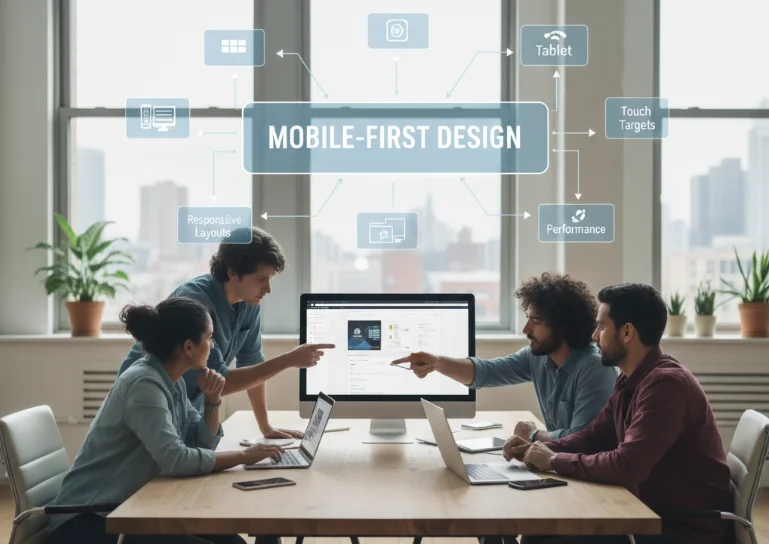
Mobile-first design is a modern web development approach where websites are designed primarily for mobile devices before being adapted for larger screens. With most users now browsing on smartphones, this strategy ensures better performance, usability, and overall user experience.
In this guide, I’ll explain the best practices for mobile-first design and how to build interfaces that work smoothly across all devices.
What Is Mobile-First Design
Mobile-first design is a strategy where you begin designing for small screens first and then progressively enhance the layout for tablets and desktops.
- The focus starts with limited screen space and essential content.
- Layouts are built to scale up rather than shrink down.
- Design decisions prioritize simplicity and usability.
Why Mobile-First Matters
Mobile-first design is important because mobile usage dominates the web today.
- Most users access websites from mobile devices.
- Mobile-first improves performance and loading speed.
- It encourages cleaner and more focused design decisions.
- It improves SEO, as search engines prioritize mobile-friendly sites.
Start With Core Content
When designing for mobile, less is more.
- Identify the most important content first.
- Remove unnecessary elements that don’t add value.
- Focus on user goals rather than decorative features.
A mobile-first mindset forces clarity and prioritization.
Responsive Layout Strategy
A strong responsive layout is essential for mobile-first design.
- Use flexible grids instead of fixed layouts.
- Apply CSS media queries to adapt layouts for larger screens.
- Design components that naturally scale across devices.
The goal is to build once and enhance progressively.
Typography and Readability
Text readability is critical on small screens.
- Use legible font sizes that are comfortable to read on mobile.
- Maintain proper line spacing for better readability.
- Avoid long paragraphs that overwhelm users.
Good typography improves user engagement and reduces bounce rates.
Performance Optimization
Mobile users often have slower connections, so performance matters.
- Optimize images for faster loading.
- Minimize unnecessary scripts and styles.
- Use lazy loading for non-critical content.
A fast website creates a better experience and improves retention.
Touch-Friendly UI Design
Mobile interfaces must be designed for touch interactions.
- Use larger buttons and clickable areas.
- Maintain enough spacing between interactive elements.
- Avoid relying on hover-only interactions.
A touch-friendly UI reduces user frustration and improves usability.
Progressive Enhancement
Progressive enhancement ensures that your website works for everyone.
- Start with a basic functional experience for all devices.
- Add advanced features for larger screens and modern browsers.
- Ensure accessibility remains consistent across devices.
This approach makes websites more resilient and future-proof.
Common Mistakes to Avoid
Many developers struggle with mobile-first design due to common mistakes.
- Designing for desktop first and then shrinking the layout.
- Overloading mobile screens with too much content.
- Ignoring performance optimization.
- Using small buttons or unreadable text.
Avoiding these mistakes leads to cleaner and more effective designs.
Final Thoughts
Mobile-first design is no longer optional—it is a standard approach in modern web development. By focusing on essential content, optimizing performance, and ensuring responsive layouts, developers can create websites that work seamlessly across all devices. A mobile-first mindset leads to simpler, faster, and more user-friendly interfaces.