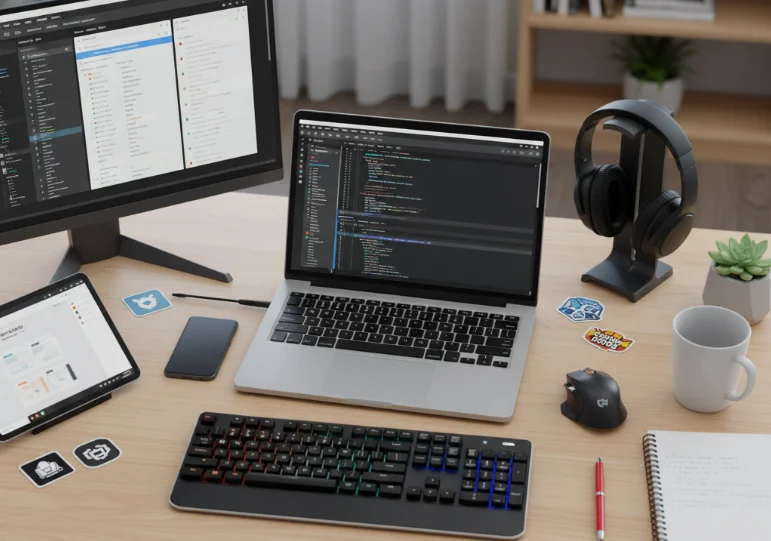
As a developer, the right set of tools can make the difference between smooth, efficient work and a frustrating experience. Over time, I have curated a toolkit that I rely on daily for coding, debugging, collaboration, and learning. These tools enhance productivity, simplify workflow, and keep me aligned with best practices in modern development.
Here’s a detailed overview of the tools that I use consistently and why they are indispensable to my daily workflow.
Code Editors and IDEs
A powerful editor is the foundation of any developer’s workflow.
- Visual Studio Code: Lightweight, extensible, and perfect for frontend and backend development.
- IntelliJ IDEA: My go-to for Java or backend projects requiring more advanced IDE features.
- Extensions and Plugins: Emmet for fast HTML/CSS coding, Prettier for formatting, and ESLint for JavaScript linting.
A well-configured code editor improves efficiency, reduces errors, and simplifies code navigation.
Version Control Tools
Version control is crucial for collaboration and maintaining a history of your code.
- Git: The backbone of version control for local and remote repositories.
- GitHub: Hosting platform for code sharing, collaboration, and project management.
- GitLens: A VS Code extension that helps track changes, authorship, and code history easily.
Using version control consistently ensures smooth collaboration and protects against data loss.
Terminal and CLI Tools
The terminal is where many development operations happen efficiently.
- iTerm2 / Windows Terminal: Customizable terminal with multiple tabs and split panes.
- npm / yarn: Node.js package managers for installing and managing project dependencies.
- Docker CLI: For containerizing applications and testing environments locally.
Familiarity with the terminal speeds up repetitive tasks and supports advanced workflows.
Browsers and Debugging Tools
Browsers are more than just for testing—they are full-featured development environments.
- Chrome DevTools: For inspecting elements, debugging JavaScript, and profiling performance.
- Firefox Developer Tools: Excellent for accessibility checks and CSS debugging.
- Postman: API testing tool that simplifies request creation, testing, and documentation.
Mastering debugging tools accelerates problem identification and resolution.
Project Management and Collaboration Tools
Organizing work and collaborating with teams requires dedicated tools.
- Jira: For tracking tasks, sprints, and project progress in agile workflows.
- Notion: A versatile tool for documentation, notes, and personal project tracking.
- Slack / Discord: Real-time communication and quick collaboration with teammates.
Using these tools ensures that projects stay on track and communication remains clear.
Design and Prototyping Tools
Even developers benefit from visual and design tools, especially for frontend projects.
- Figma: For design collaboration, prototyping, and extracting assets for development.
- Canva: Quick graphics creation for presentations or UI mockups.
Integration with design tools helps bridge the gap between design and development.
Testing and Deployment Tools
Ensuring code works correctly and is deployed efficiently is critical.
- Jest: JavaScript testing framework for unit and integration tests.
- Cypress: End-to-end testing tool for frontend applications.
- Netlify / Vercel: Easy deployment platforms for static and dynamic applications.
Testing and deployment tools reduce bugs and allow rapid iteration on projects.
Learning and Documentation Tools
Continuous learning is essential in development, and I rely on several free and structured resources daily.
- MDN Web Docs: Comprehensive documentation for web technologies.
- freeCodeCamp: Tutorials and coding exercises for practice.
- Stack Overflow: Quick solutions for debugging and coding challenges.
These tools make it easy to stay updated and troubleshoot issues efficiently.
Automation and Scripting Tools
Automation saves time and reduces repetitive tasks in development.
- Python scripts: For automating file management, API calls, and data processing.
- npm scripts: Automate builds, tests, and deployment processes.
- Make / Bash scripts: For task automation in UNIX-based environments.
Automation tools free up time for problem-solving and creative work.
Final Thoughts
A developer’s productivity and efficiency depend heavily on the tools they use daily. Over time, discovering and mastering these tools transforms not just how you work, but how quickly and confidently you can solve problems. Investing time in setting up the right environment, learning shortcuts, and integrating automation will pay dividends in both project quality and personal growth.